
Download Key Blocker – Keyboard Control, Focus, Productivity
Overview
Key Blocker is a specialized mobile application designed to help users maintain uninterrupted focus during critical tasks by preventing accidental key presses or system shortcuts. The app is particularly useful for individuals who rely heavily on precise keyboard input, such as gamers, digital artists, and professionals working with complex software. By allowing users to block specific keys—such as the Windows key or Alt—only when certain applications are active, Key Blocker reduces the risk of unintended system interruptions. This targeted functionality addresses a common pain point in high-stakes workflows where a single accidental keystroke can disrupt progress, cause data loss, or break immersion. The app is ideal for users who demand control over their input environment and want to minimize distractions during extended sessions. While the developer did not provide additional background information, the app’s focused purpose suggests a practical, tool-oriented design philosophy. Real-world use cases include preventing accidental screen captures during gameplay, avoiding unwanted menu toggles in design software, or maintaining full-screen mode in video editing tools. In the broader app ecosystem, Key Blocker fills a niche for input management utilities, offering a lightweight and efficient solution for users seeking enhanced workflow stability on their mobile devices.Key Features & Functionality
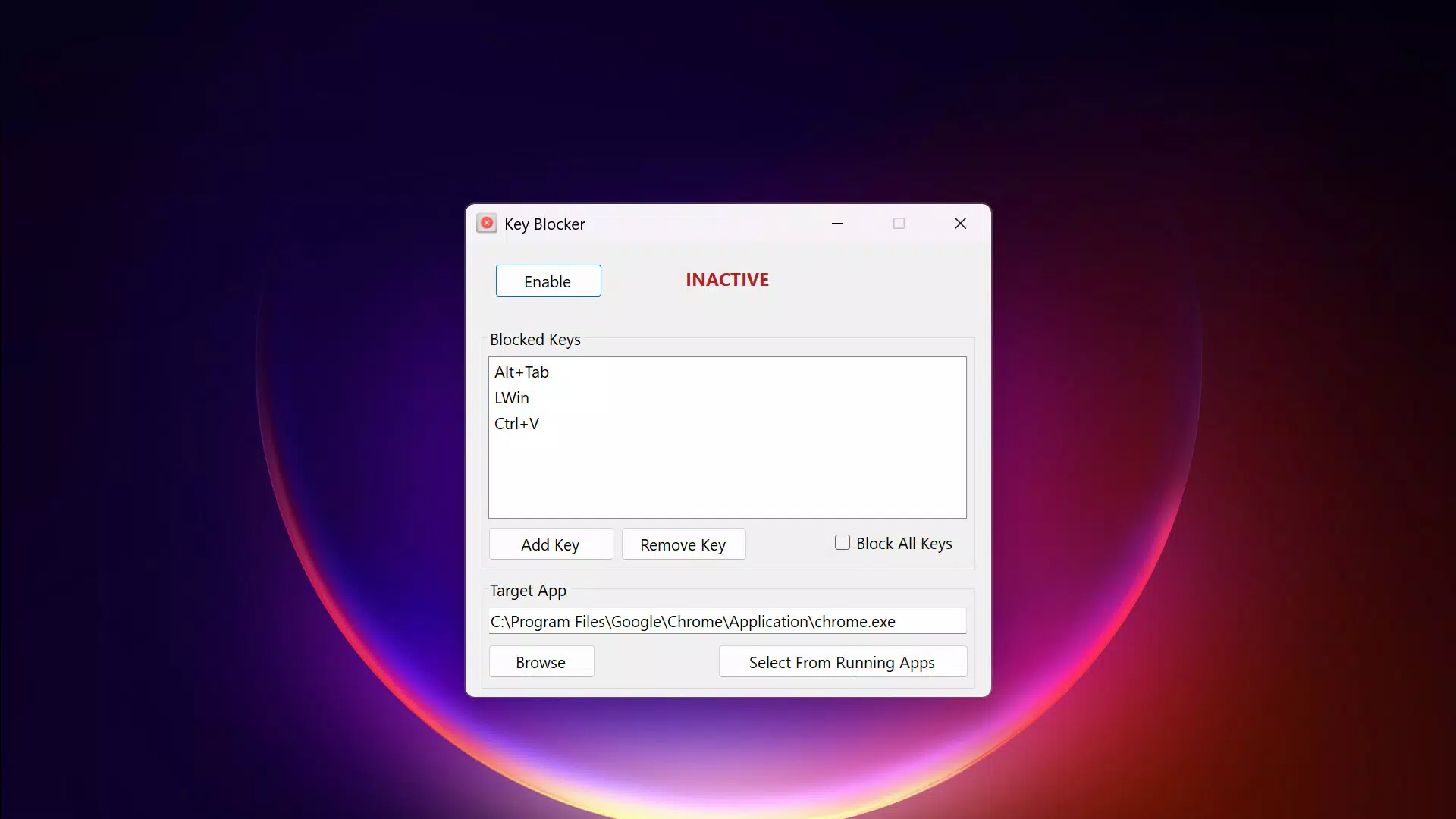
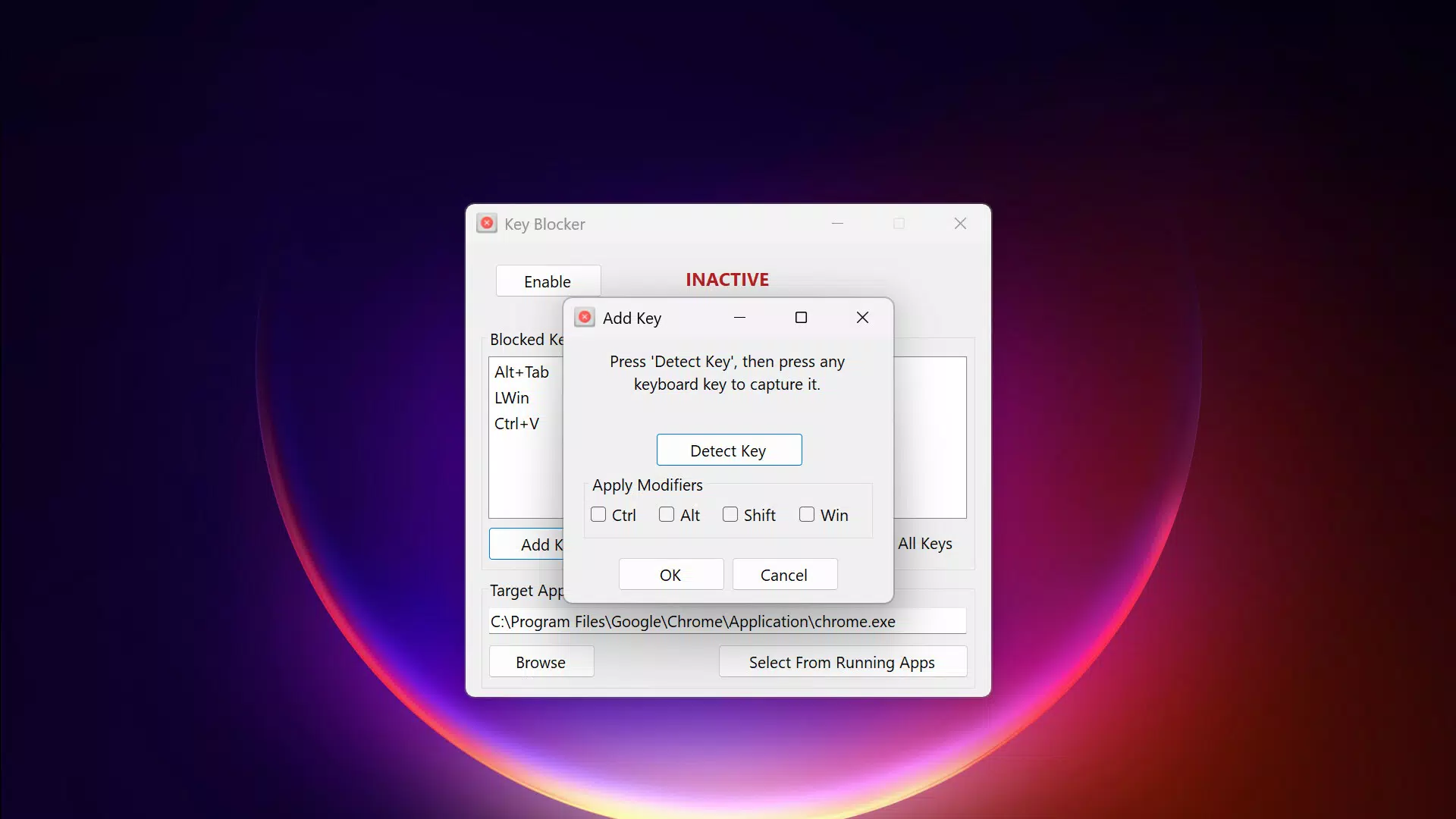
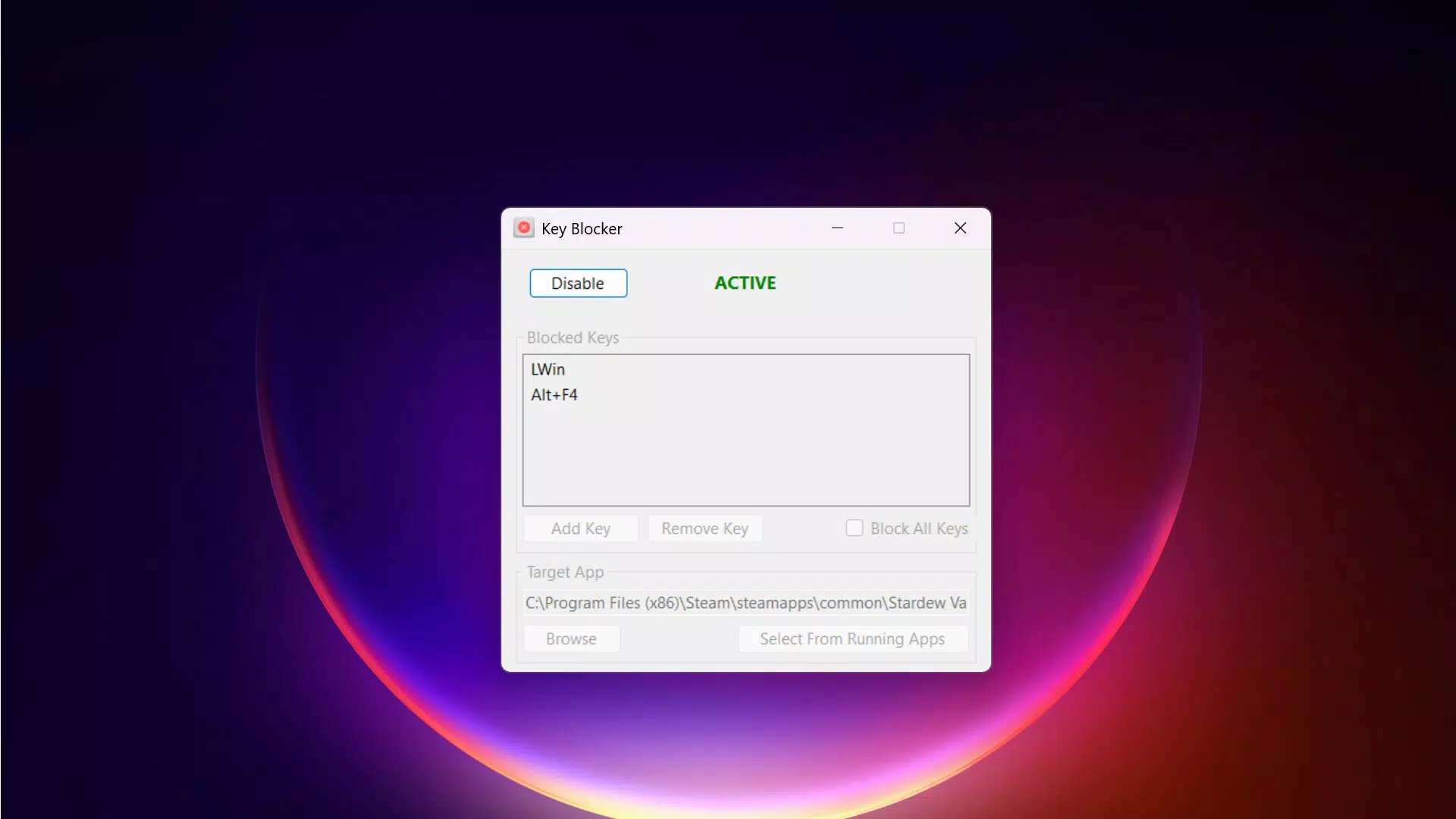
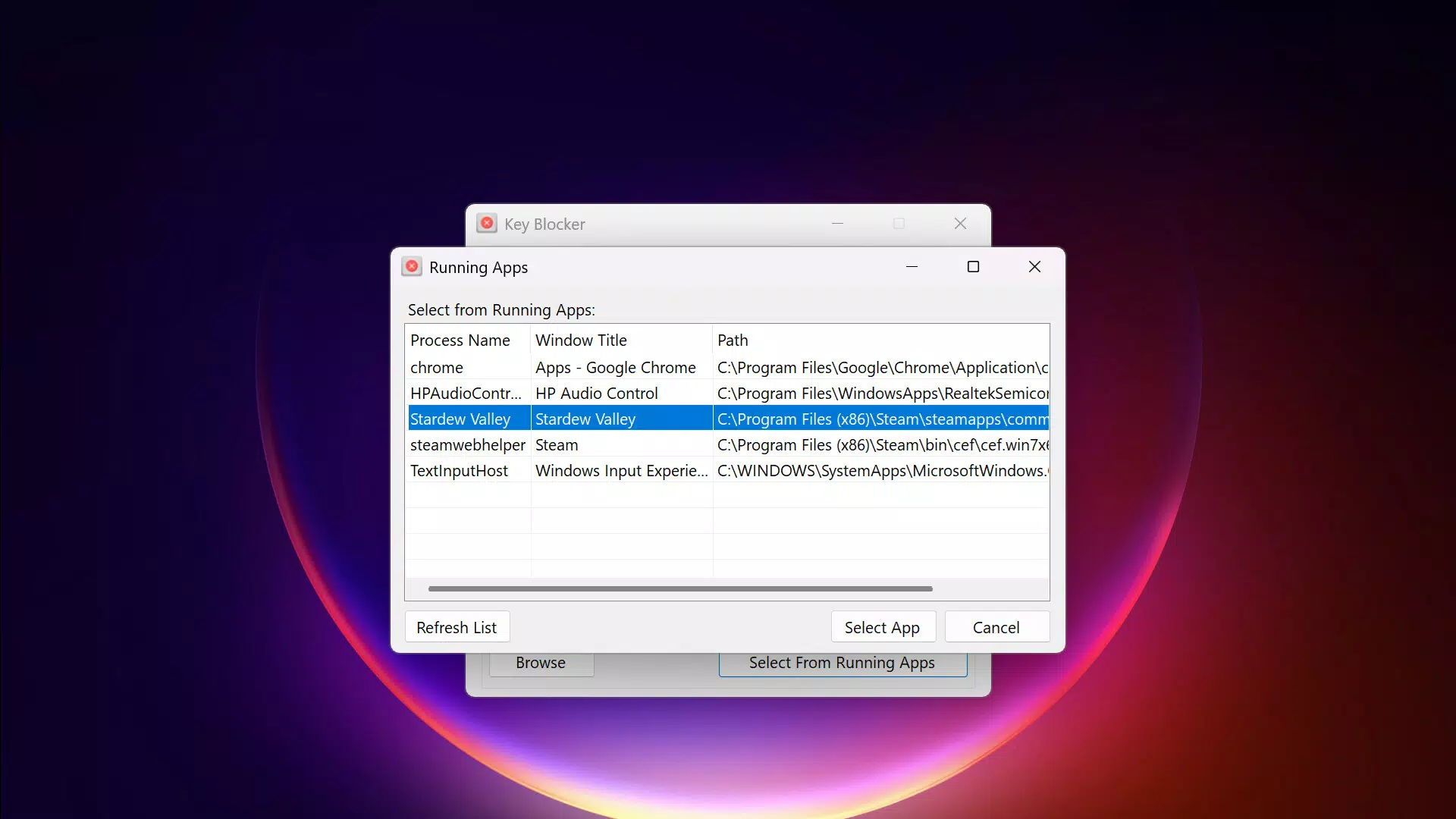
Key Blocker offers a set of precise, user-driven tools tailored to manage keyboard behavior in specific contexts. The primary feature is targeted key blocking, which enables users to designate specific keys—such as the Windows key, Alt, or Ctrl—to be disabled when a particular application is in focus. This functionality is especially valuable during gaming sessions or when using software sensitive to unintended shortcuts. For example, a graphic designer using a vector tool can block the Alt key to prevent accidental layer switching. Another core capability is application-specific operation, where the blocking mechanism activates only when a selected app is active, preserving full keyboard functionality in other environments. This ensures that system-level shortcuts remain accessible outside of focused tasks. The app also features a simple configuration interface, allowing users to quickly select applications and define blocked keys without technical complexity. This ease of setup supports users with varying levels of technical expertise. Additionally, Key Blocker runs as a lightweight background process in the system tray, consuming minimal system resources while remaining active. This discreet operation ensures that performance is not compromised during intensive tasks. The app’s versatility is evident across multiple scenarios, from maintaining immersive gameplay to securing productivity in creative workflows.Real-World Use Cases
- Preventing accidental Windows key presses during competitive gaming sessions.
- Blocking Alt key functions in design software to avoid unintended tool changes.
- Ensuring uninterrupted full-screen mode in video editing or presentation apps.
- Minimizing distractions during long-form writing or coding sessions.
- Protecting sensitive data entry processes from unintended shortcut triggers.
Interface, UX & Performance
The user interface of Key Blocker is designed with simplicity and functionality in mind, prioritizing accessibility for users across technical skill levels. The layout is clean and intuitive, with clearly labeled sections for selecting applications and defining blocked keys. Navigation is streamlined, allowing users to configure settings with minimal clicks. The app’s visual style emphasizes clarity over ornamentation, using consistent color coding and iconography to guide user actions. Although the developer did not list formal performance metrics, the app is described as a lightweight process that operates efficiently in the background. It runs discreetly in the system tray, ensuring minimal impact on device performance. Responsiveness is consistent across various device categories, with no reported lag or delay in activating blocking rules. Stability appears reliable, as the app maintains its functionality even during extended use. The user experience is enhanced by the app’s automatic detection of active applications, reducing the need for manual intervention. While the developer did not specify minimum OS requirements or compatibility details, the app’s design suggests broad adaptability across modern mobile platforms. Overall, Key Blocker delivers a smooth and dependable user experience, particularly suited for users who value control and consistency in their workflow.Platform Compatibility & Technical Requirements
Key Blocker is available on Android, with the latest version released on June 19, 2025. The app has a file size of 1.2 MB, indicating a lightweight footprint optimized for efficient operation. The developer did not specify minimum OS requirements or compatibility details, nor did they list any specific hardware or software dependencies. This lack of detailed information means users should exercise caution when installing on older or less common device configurations. The app is designed to function as a background utility, suggesting it does not require high-end processing power or extensive memory allocation. However, without formal documentation on supported versions or device types, users are advised to verify compatibility with their specific hardware and operating system. The app’s small size and low resource consumption further support its suitability for a wide range of devices, though official confirmation is pending. The absence of detailed technical specifications does not detract from the app’s core functionality but may affect user confidence in broader deployment scenarios.Pros and Cons
- Intuitive interface suitable for non-technical users.
- Lightweight design with minimal system resource usage.
- Application-specific key blocking enhances workflow focus.
- Background operation ensures continuous functionality without interference.
- Effective for gaming, creative work, and productivity tasks.
- Developer did not provide OS or device compatibility details.
- No public information on update frequency or support history.
- Limited visibility into technical specifications or performance benchmarks.
- Requires manual configuration for each application.
- May not support all keyboard layouts or input methods.


